Today we'll learn about goaccess.
Installing goaccess is easy. In my case I am using fedora.
I tried installing goaccess by the following command.
yum install goaccess
This install goaccess on my server, I run the following command to generate the report.
but to watch a html report was not easy, as I had configured https on my domain. when I visited, report.html, It was showing error, as follows.
insecure socket connection over https.
Thankfully goaccess provide option to provide your certificate files and key file in the command line.
goaccess /var/log/access.log -o /var/www/html/report.html --ssl-cert=/var/server.crt --ssl-key-/var/server.key --ws-url=wss://marriager.com --log-format=COMBINED --real-time-html
command did not run successfully, error shown as below.
unknown option --ssl-cert.
I googled and found that goaccess should be compiled with openssl option in order to use this option. I removed goaccess using yum and downloaded the tar ball file. and tried installing the same. It shows error couple of times for the missing library and dependency like gcc, openssl-devel etc. you will need to install following option in order to make it work.
| Fedora/RHEL/CentOS | ncurses-devel | geoip-devel | libmaxminddb-devel | tokyocabinet-devel | openssl-devel |
after successful installation I ran the following command
goaccess /var/log/access.log -o /var/www/html/report.html --ssl-cert=/var/server.crt --ssl-key-/var/server.key --ws-url=wss://domain.com --log-format=COMBINED --real-time-html
and then run https://domain.com/report.html. It shows entire reports.
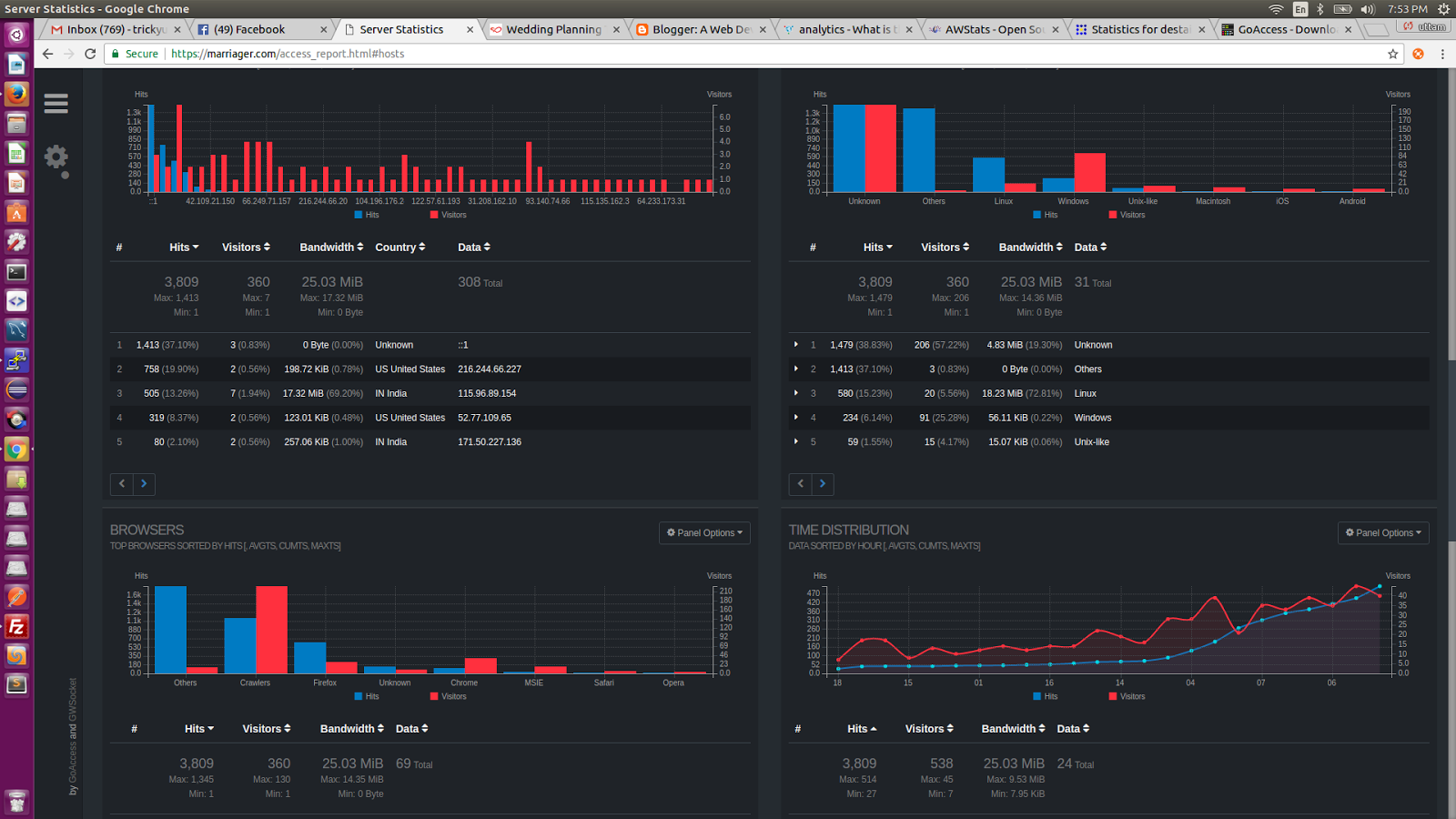
I hope this will help you to make use of access log.

